
When we compare two different designs, we can easily distinguish between “bad design” and “good design.” However, identifying what makes a good design truly good is often a challenge. This is where a UI designer steps in, but is it really necessary to spend hours trying to achieve it? Well, not necessarily. In this article, I will demonstrate six typography-related tips to enhance the quality of our interfaces.
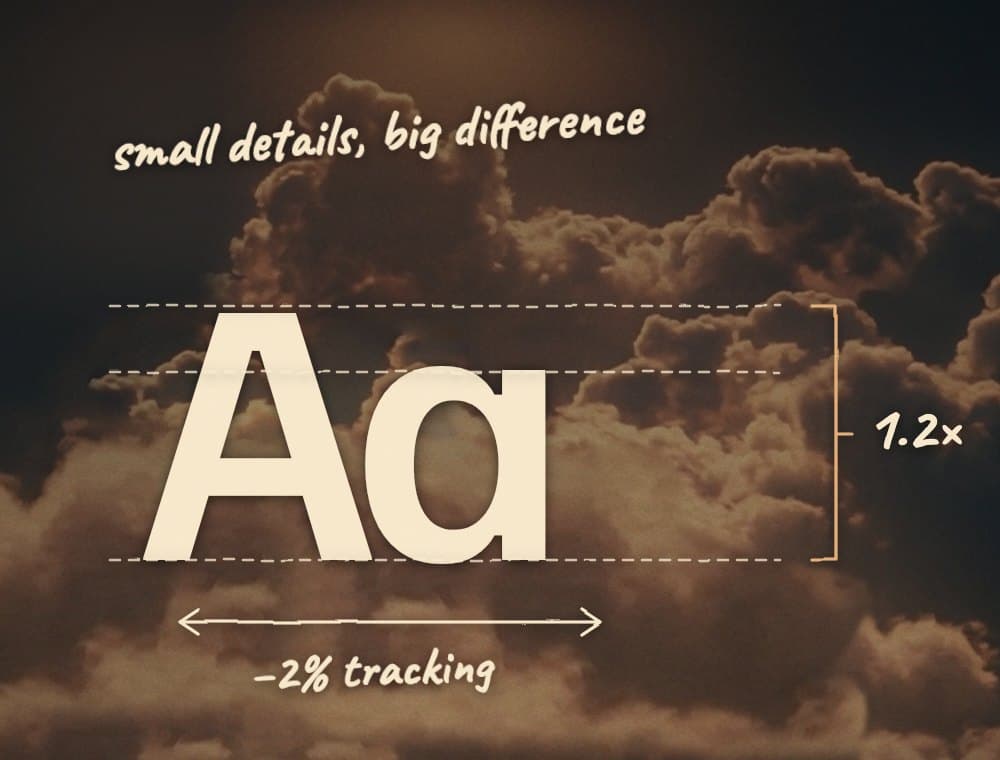
- Line Height: The first aspect we should focus on is line height. It plays a significant role in design. Most renowned design companies use a line height of 1.1x to 1.3x for headings and 1.3x to 1.5x for body text. It is advisable to adhere to this range for optimal results.
- Letter Spacing: Letter spacing can be misunderstood by many designers. Increasing the letter spacing may yield catastrophic results for the user. Instead, it is recommended to utilize negative letter spacing (for headings) ranging from -2% to approximately -1%. However, for certain fonts, extreme negative spacing can render the text unreadable, so it may be adjusted to around -0.5%.
- Text Alignment: Proper text alignment is crucial. For text exceeding three lines, aligning it to the left is preferable. It is essential to avoid misaligning the title and the text. A big chunk of misaligned text can make reading uncomfortable and confuse the reader, leading to difficulty in finding the start point of the next line. Left alignment enhances readability and usability.
- Text Width: A study conducted by the Baymard Institute revealed that long lines of text are perceived as intimidating and overwhelming by users. Consequently, users tend to avoid reading such text. To address this issue, improving text width is crucial. The optimal character count per line, recommended by the same source, falls between 50 and 75. Exceeding this range negatively affects the text’s readability. A good practice is to fix the text width at around 600px for desktop.
- Text Hierarchy: We are all aware of the effectiveness of text hierarchy in our interfaces. It is advisable to use no more than two font sizes. To create a clear hierarchy, experiment with different font weights and color changes.
- Spacing between Elements: The relationship between elements plays a vital role in design. Typically, in a container with four elements, every two elements are related to each other. To establish this relationship effectively, we can employ a 2x multiplier. For instance, the space between a pair of closely related items could be 16px. The space between this pair and the next chunk of related elements would be 16px * 2 = 32px. This principle can be applied to various elements like navbars or text inputs.
Conclusion: By applying these rules and comparing interfaces before and after implementation, we can observe a significant improvement. So, the next time you design, be sure to incorporate these tips and witness the positive impact they have on your work.
Please note that the information presented in this article has been provided by an expert and is based on their insights shared in a video on their YouTube channel called “Time Gabe.” It is important to mention that this article was written with the expert’s permission and approval.
First published on Medium, on 20 June 2023.
Read it on Medium